MailMergic now also supports password-protected PDF files. This means that you can now automatically fill encrypted PDF files with Excel data directly in our application.
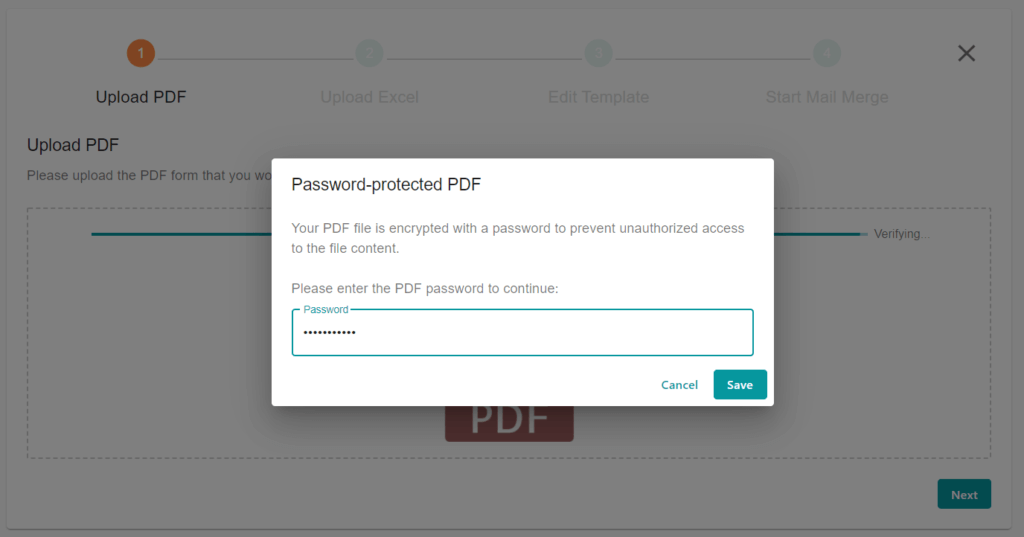
As soon as you upload an encrypted PDF file, a dialog box appears. Here you can enter the password to decrypt the file. A decrypted copy of your PDF file is then saved so that you do not have to enter the password again.
Please note that we cannot process encrypted PDF files without a valid password.