

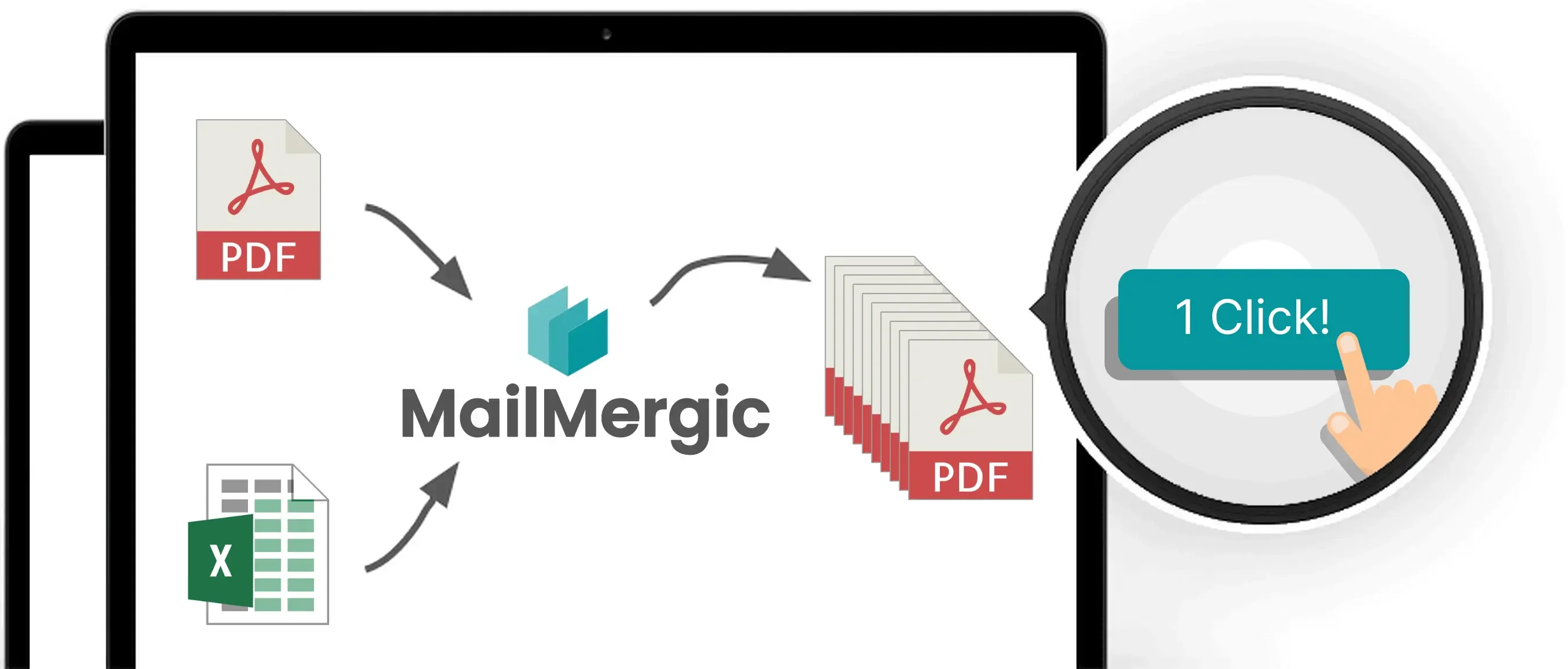





Instantly populate PDF forms from Excel data and optionally send via email—no plugins, no coding, no hassle.
✓ 30-Day Money-Back Guarantee ✓ PIPL Compliant ✓ Alipay Accepted
Process sensitive contracts, payrolls, and student data without ever uploading them to the cloud. MailMergic Offline works entirely on your local machine, keeping your data safe and compliant.
Zero Risk, 100% Compliance
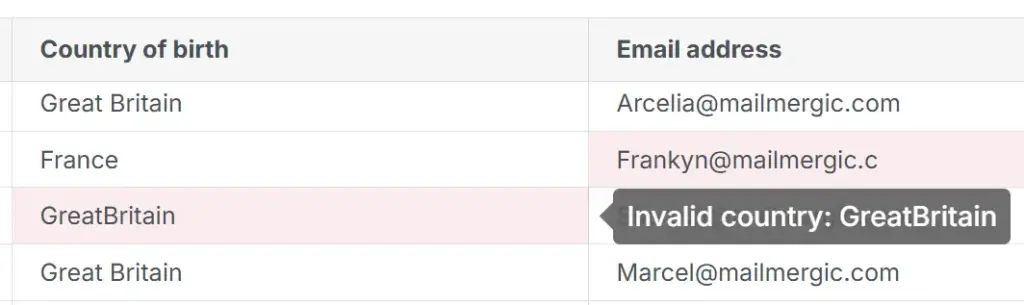
Automate document creation at lightning speed and breeze through any task. Free up your team to focus on higher-value tasks.
Save $3,900 annually*
Unlock unlimited possibilities for your local document workflows. MailMergic processes complex Excel files with thousands of rows at lightning speed, directly on your computer.
321% ROI over 3 years*

Developed in Germany to the highest quality standards. MailMergic offers a stable, high-performance architecture that works seamlessly with your local Windows or Mac environment. No crashes, no lag, just precision.
100% Reliable & Maintenance-Free
Try MailMergic risk-free. Discover how much easier your workflow becomes.
Not satisfied? Get a full refund, no questions asked.
Your dedicated account representative is ready to help.
From small teams to large organizations, users around the world rely on MailMergic to automate their document workflows, save hours of manual work, and deliver perfectly personalized results — every single time.
IT Compliance Manager
Office Administrator
Senior HR Director
Operations Lead
Academic Registrar
Senior Auditor
Efficiently handle contracts, agreements, and reports to save time for accountants, HR managers, and compliance officers.
Simplify forms, patient records, and donor communications, allowing healthcare and non-profit workers more time to make a difference.
Create graduation certificates and progress reports swiftly, providing educators and academic registrars with ease and professional results.
Streamline property agreements and project documentation, enhancing workflow for property managers and real estate agents.
Quickly produce invoices and financial reports, making it ideal for payroll specialists, accountants, and business analysts handling client data.
Simplify document creation for contracts and compliance materials, aiding legal consultants with accuracy and efficiency.
Explore all available plans and find the right fit for your needs on our
pricing page
Yes, MailMergic is the ideal solution for PIPL-compliant workflows.
The Personal Information Protection Law (PIPL) of the People's Republic of China imposes strict requirements on how personal data is collected, processed, and transferred—especially regarding cross-border data transfer. MailMergic solves this through its Offline-First Architecture:
By using the MailMergic Offline App, your business can automate high-volume document workflows while remaining fully compliant with China's data protection regulations.
Secure, local, and 100% compliant.
Absolutely not. MailMergic for China is designed as a 100% Offline Application.
Unlike other tools, all document processing happens locally on your own computer. Your Excel files and PDF templates are never uploaded to the cloud or any external servers. This ensures:
Your data remains yours—strictly local, strictly private.
A PDF mail merge lets you automatically create many personalized PDF documents from a single template. Instead of editing each file by hand, you add your PDF, connect a data source like Excel, and MailMergic generates one customized PDF per row (for example: one contract, invoice, certificate, or letter for each person).
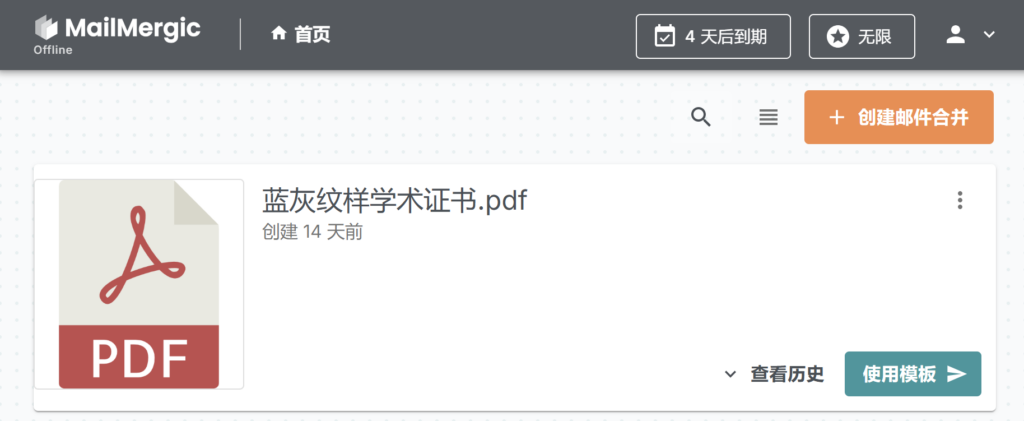
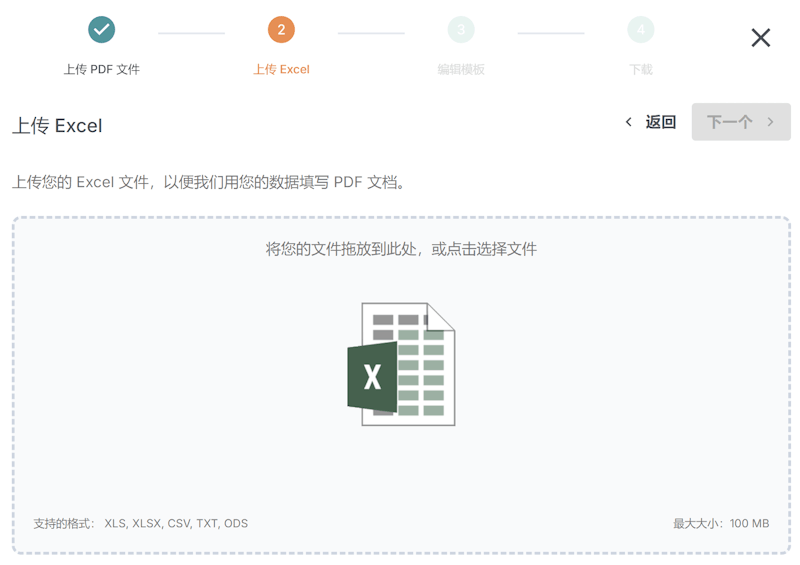
Add your PDF template to MailMergic, add your Excel file, and add placeholders to our offline PDF editor. When you start the mail merge, MailMergic creates a separate PDF for every row in your spreadsheet. There’s no coding required.
After generating your PDFs, you can choose to send each file directly to the corresponding email address in your spreadsheet. MailMergic lets you personalize the subject, message, and attachments for every recipient. Everything is sent automatically in one click.
Yes. You can import Excel and CSV files. MailMergic automatically detects your columns so you can start mail merging right away.